
One object at a time
Change the color of one object in a photo
Describe the object and the new color. There is no brush or mask: you point at it with words. One 1K edit is 20 credits.
JPG, PNG or WebP, up to 10 MB
Checking that generation is available.
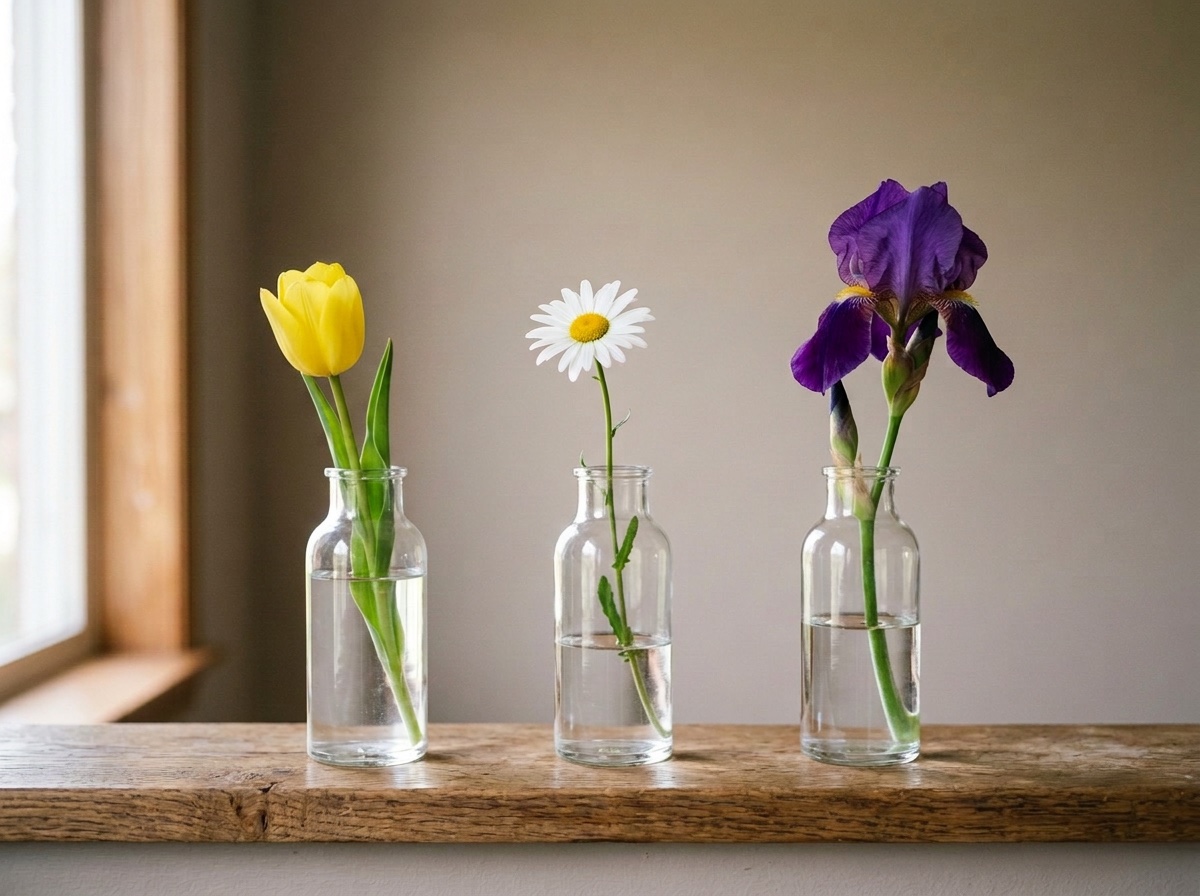
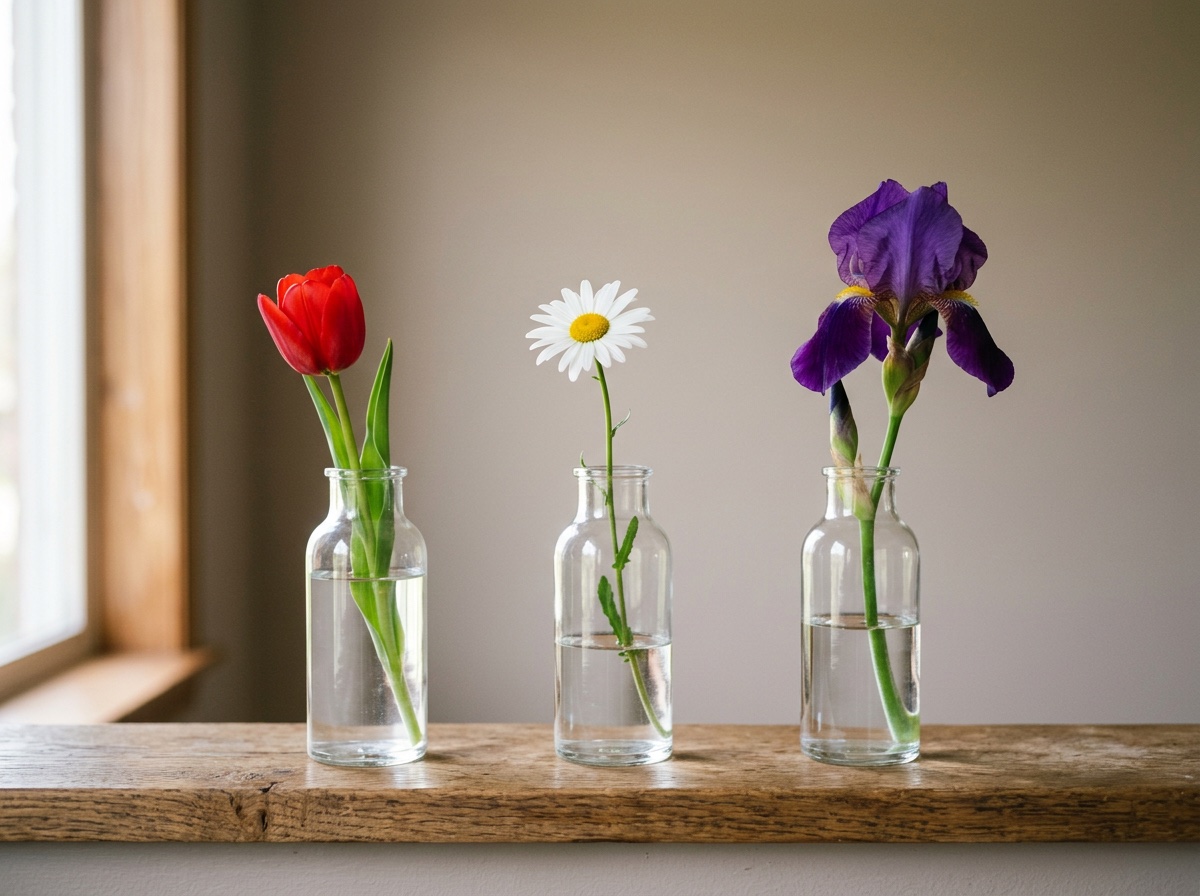
Red tulip recolored to yellow4:3 · 1K2026-10-05
01
How do you change the color of one object in a photo?
Describe the object, its new color and what must stay, and the model recolors it without a mask or a brush. In our three object runs, an armchair, a car and one flower of three, each named object changed color as asked. The armchair moved least elsewhere; the car edit turned a shopfront door teal. One edit costs 20 credits.
- Object runs
- 3
- Named object recolored
- 3 of 3
- Spill onto something else
- 1 of 3
- One edit
- 20 credits
02
Three objects we recolored
Each edit is shown with the picture it started from, its exact prompt and its receipt. All were run through fal.ai on October 5, 2026 at 1K.
Scene 01
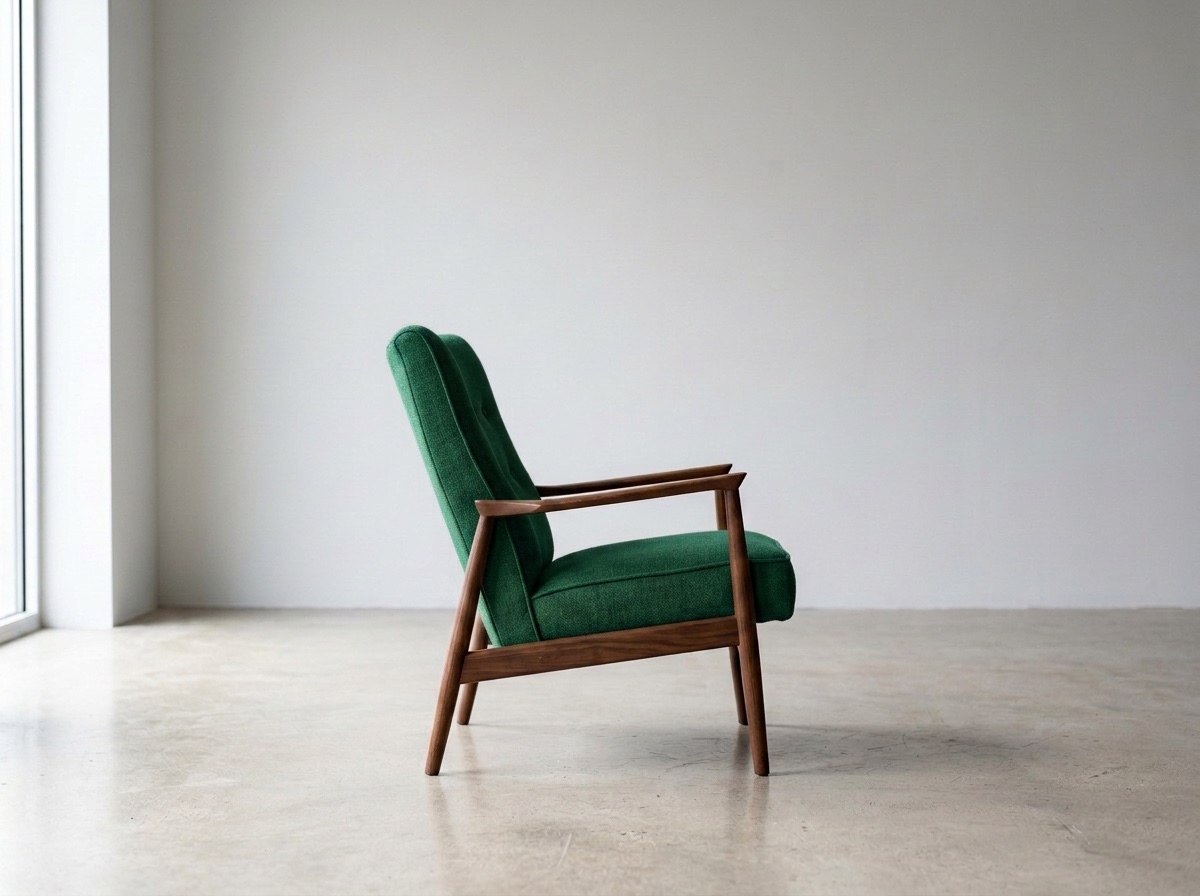
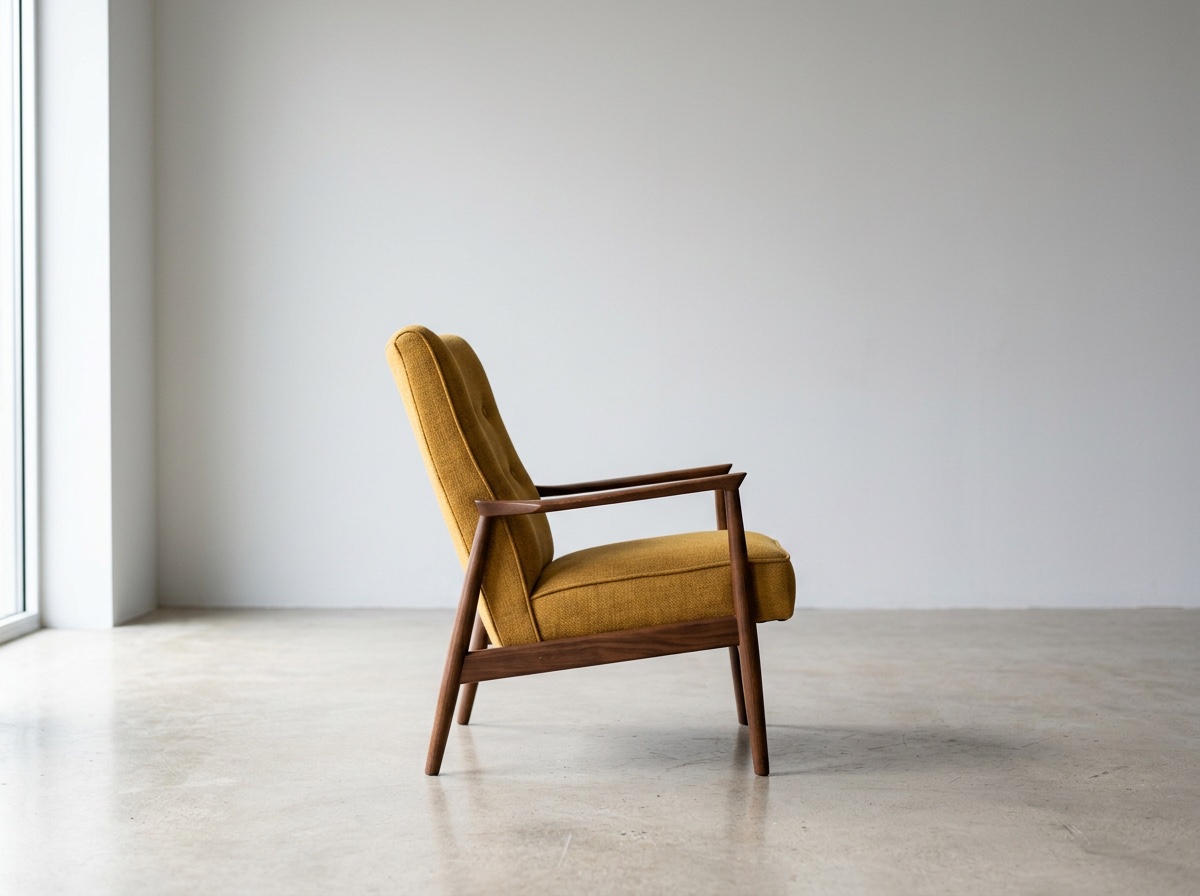
Armchair recolored to emerald green
The fabric changed and the frame, wall, floor and shadows look untouched. It is still not identical: outside the chair the average difference from the starting picture was 2 out of 255.
Prompt
Change the armchair's fabric from mustard yellow to deep emerald green. Keep its shape, the folds, the shadows, the wall and the light exactly as they are.
- Model
- Nano Banana 2
- Settings
- 4:3 · 1K · 1200×896
- Generated
- 2026-10-05
- Took
- 18 s
- Provider cost
- $0.08
- Here
- 20 credits
- Request
- 01a10bfa-4189-75e0-8750-02def3c144a2
Scene 02
Red tulip recolored to yellow
Only the tulip changed; its stem and leaves stayed green, and the daisy, iris, vases, shelf and wall look untouched. Outside the flower head the average difference was 4 out of 255, so the rest is close but not identical.
Prompt
Change only the red tulip to a yellow tulip. Keep the white daisy, the purple iris, the three vases, the shelf and the wall exactly as they are.
- Model
- Nano Banana 2
- Settings
- 4:3 · 1K · 1200×896
- Generated
- 2026-10-05
- Took
- 14 s
- Provider cost
- $0.08
- Here
- 20 credits
- Request
- 01a10bfc-5ea3-7fe0-be35-8b84d98a68fc
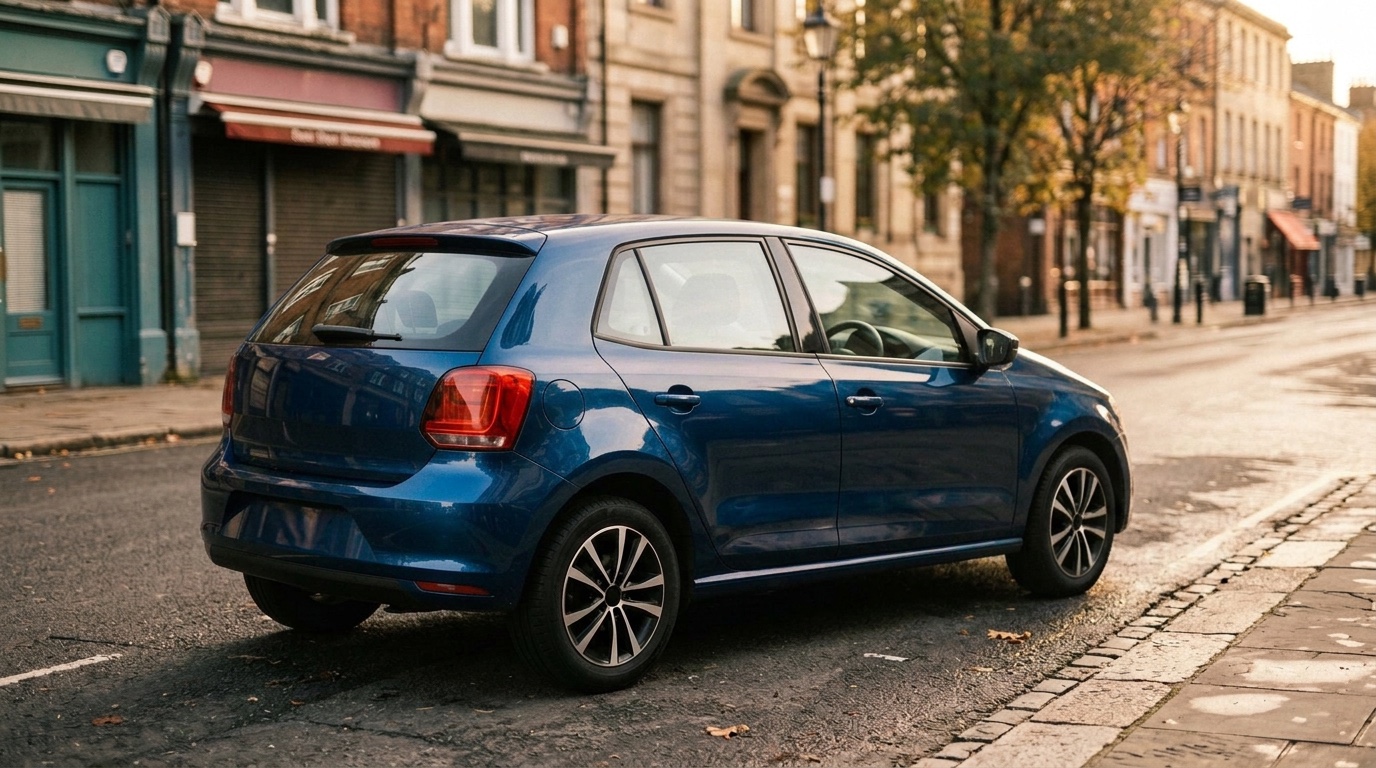
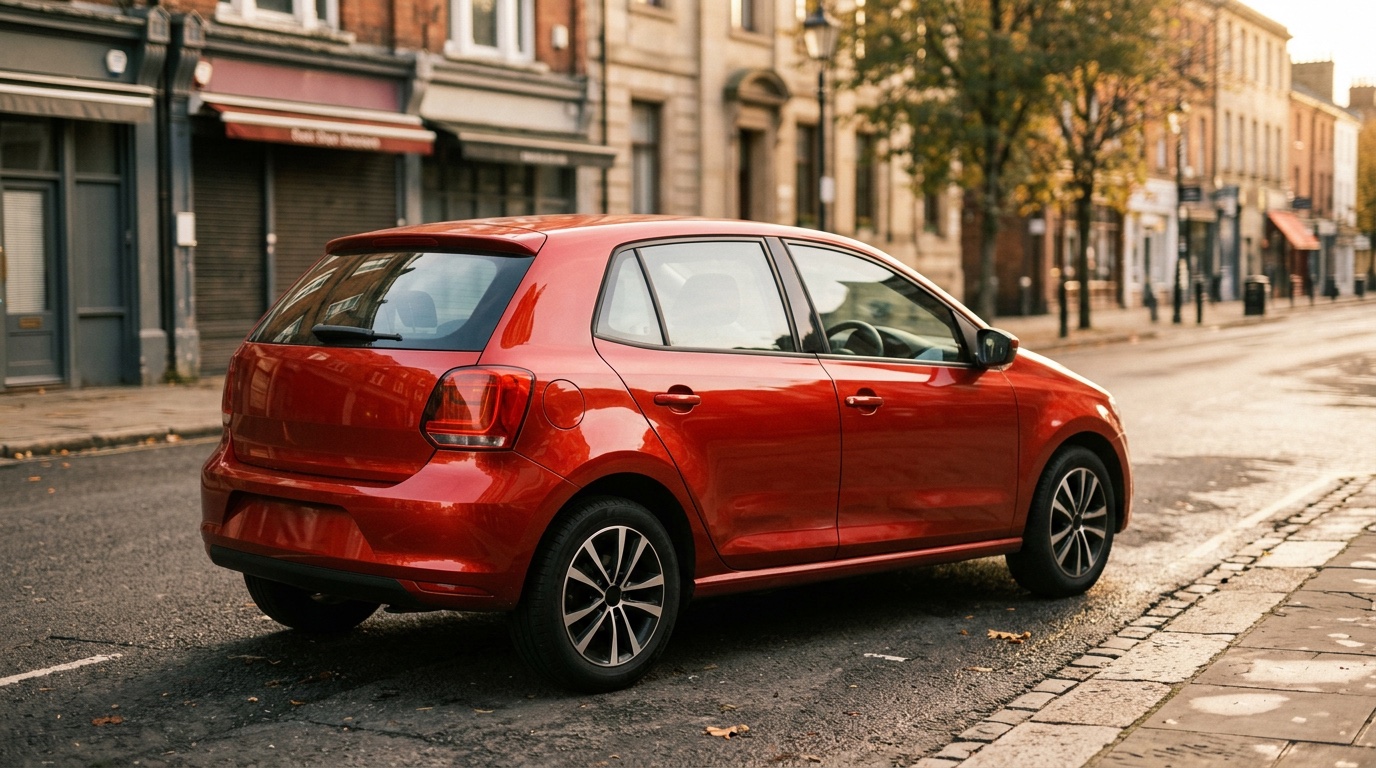
Scene 03
Hatchback recolored to blue, with a spill
The paint, glass and reflections changed as asked, and the tail light stayed red. The shopfront door and pillar at the far left changed from grey to teal, which we did not ask for, although the prompt said to keep everything else.
Prompt
Change the car's paint from red to deep metallic blue. Keep the reflections, the street, the sky and everything else exactly as they are.
- Model
- Nano Banana 2
- Settings
- 16:9 · 1K · 1376×768
- Generated
- 2026-10-05
- Took
- 21 s
- Provider cost
- $0.08
- Here
- 20 credits
- Request
- 01a10bfa-be4c-7e83-8967-63089c3ac693
03
How to recolor an object here
Upload one picture
JPG, PNG or WebP, up to 10 MB, of a product, an object, a car or artwork you have the right to use.
Name the object and the new color
Our three object prompts named one target object and the parts to keep. Say what must stay: the shape, the shadows, the background.
Generate and check the edges
Look at everything near the object. In our car edit the change reached a door at the edge of the picture.
04
Questions about recoloring objects
Can I change one object’s color without changing the background?
You can ask for that, but this editor does not guarantee an unchanged background. The model redraws the whole picture. In our three object edits, the named object changed color each time, but the car edit also turned a shopfront door teal. Inspect the background as well as the object before using the result.
Can I select the object with a brush?
No. There is no brush or mask here; you describe the object in words. If the model picks the wrong thing, say more about which one: its position, its size, what is next to it.
Does it work on cars?
In one run it recolored the car’s paint, glass reflections and body together, and left the tail light red. It also turned a shopfront door at the left edge of the picture from grey to teal, which we had not asked for.
What does an object recolor cost?
The same as any edit here: 20 credits for one 1K image, which is $0.20 with the smallest pack. A failed request is refunded automatically.
Can I recolor a person’s clothes or hair?
Not here. This site does not offer edits to photos of people.