
Backgrounds
Change the background color of an image
Name the new background color and what must stay. In our two runs on one mug, a pastel blue backdrop left the mug nearly as it was; a charcoal one made it darker. One 1K edit is 20 credits.
JPG, PNG or WebP, up to 10 MB
Checking that generation is available.
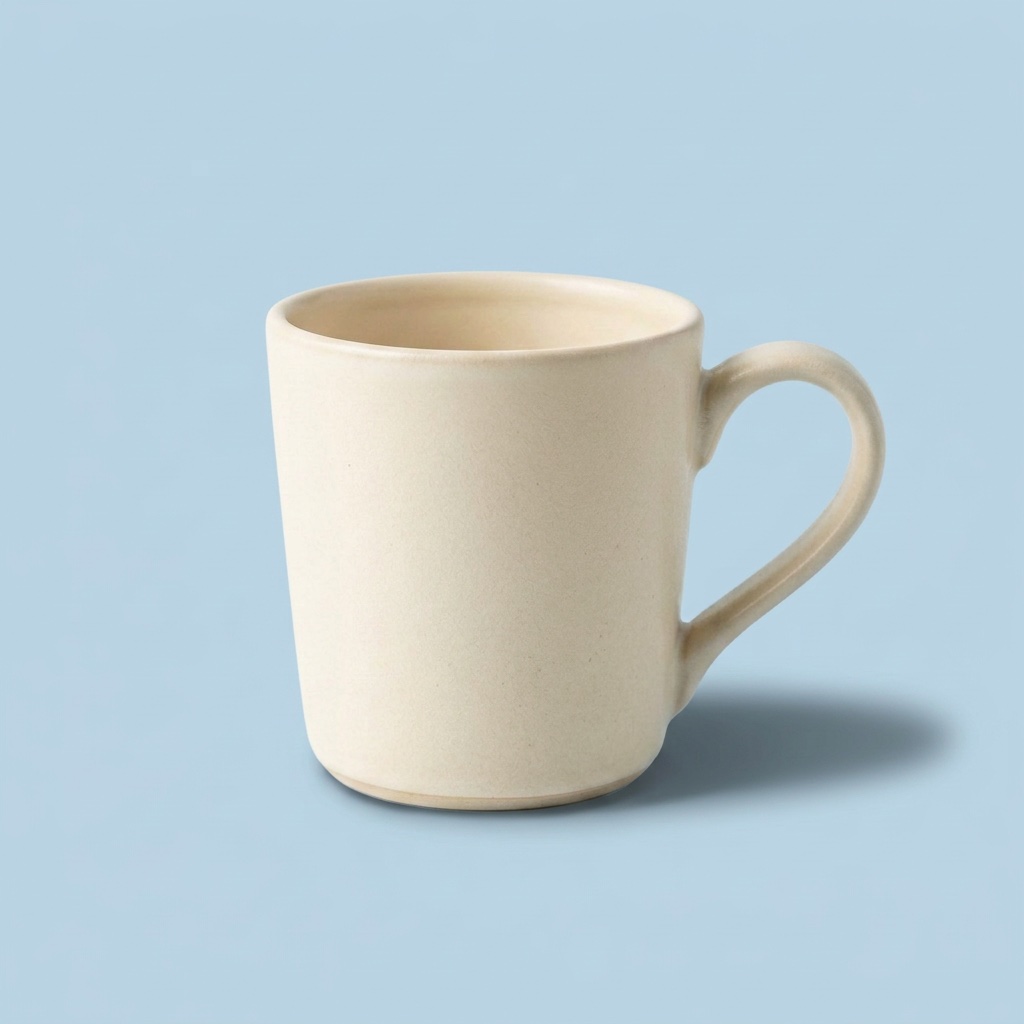
Mug with the background changed to pastel blue1:1 · 1K2026-10-06
01
How do you change the background color of an image?
Upload one picture, name the new background color and what must stay, and the model repaints the backdrop and redraws the shadow to suit it. In our two runs on one cream mug, a pastel blue background left the mug about 3% darker, but a dark charcoal one made it about 26% darker. A background edit can relight the object. One edit costs 20 credits.
- Runs
- 2, on one mug
- Mug darker, blue background
- about 3%
- Mug darker, charcoal background
- about 26%
- One edit
- 20 credits
02
Two backgrounds we tried, with the picture each started from
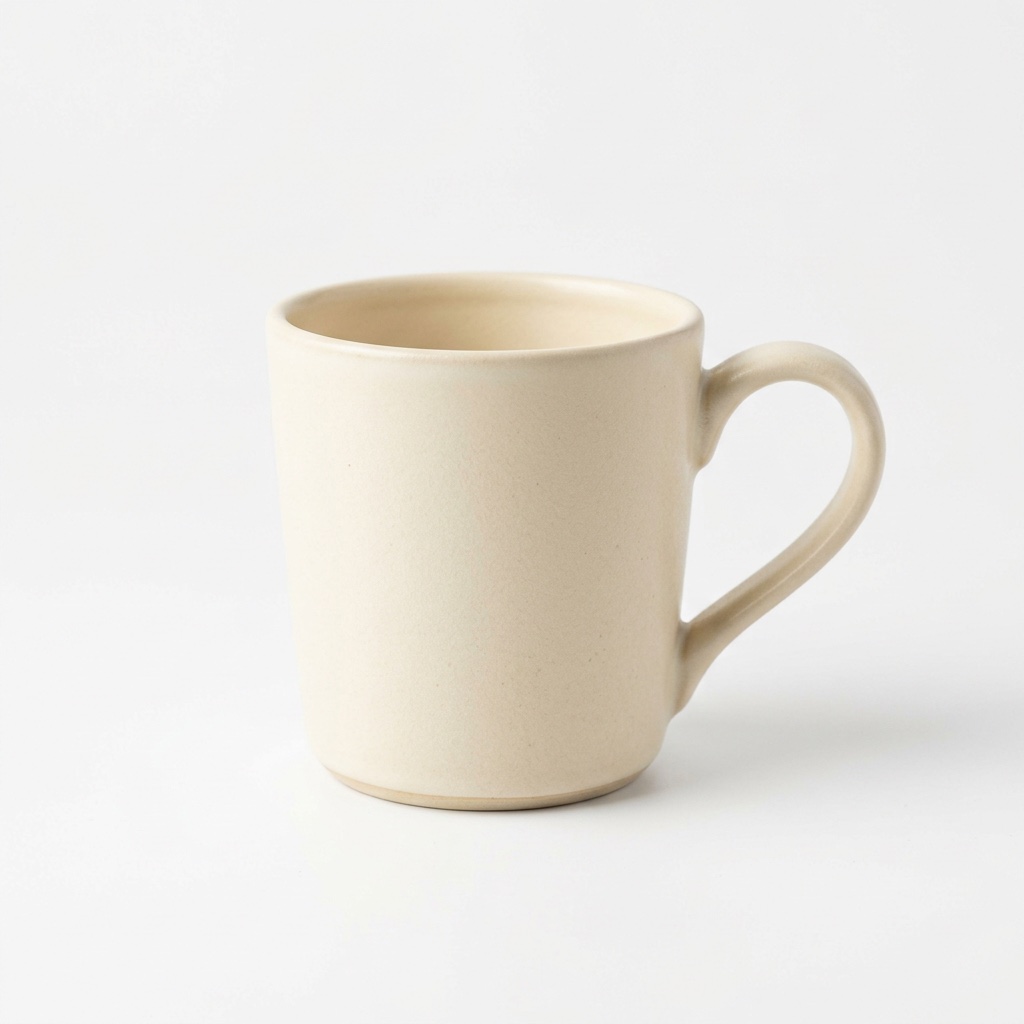
Both edits started from the same mug on white, made earlier from a text prompt. Each prompt asked to keep the mug exactly as it was. Both ran through fal.ai at 1K on October 6, 2026, at $0.08 each at the API, which is 20 credits here.
Scene 01
Mug with the background changed to pastel blue
The background became a flat pastel blue and the mug looks the same. The shadow was redrawn in blue-grey and is more defined than in the original, although the prompt said to keep it. The middle of the mug’s body is about 3% darker.
Prompt
Change the white background to a soft pastel blue. Keep the mug, its shadow and the light on it exactly as they are.
- Model
- Nano Banana 2
- Settings
- 1:1 · 1K · 1024×1024
- Generated
- 2026-10-06
- Took
- 14 s
- Provider cost
- $0.08
- Here
- 20 credits
- Request
- 01a10e97-d6a0-7511-bf14-7e876eb8bb5b
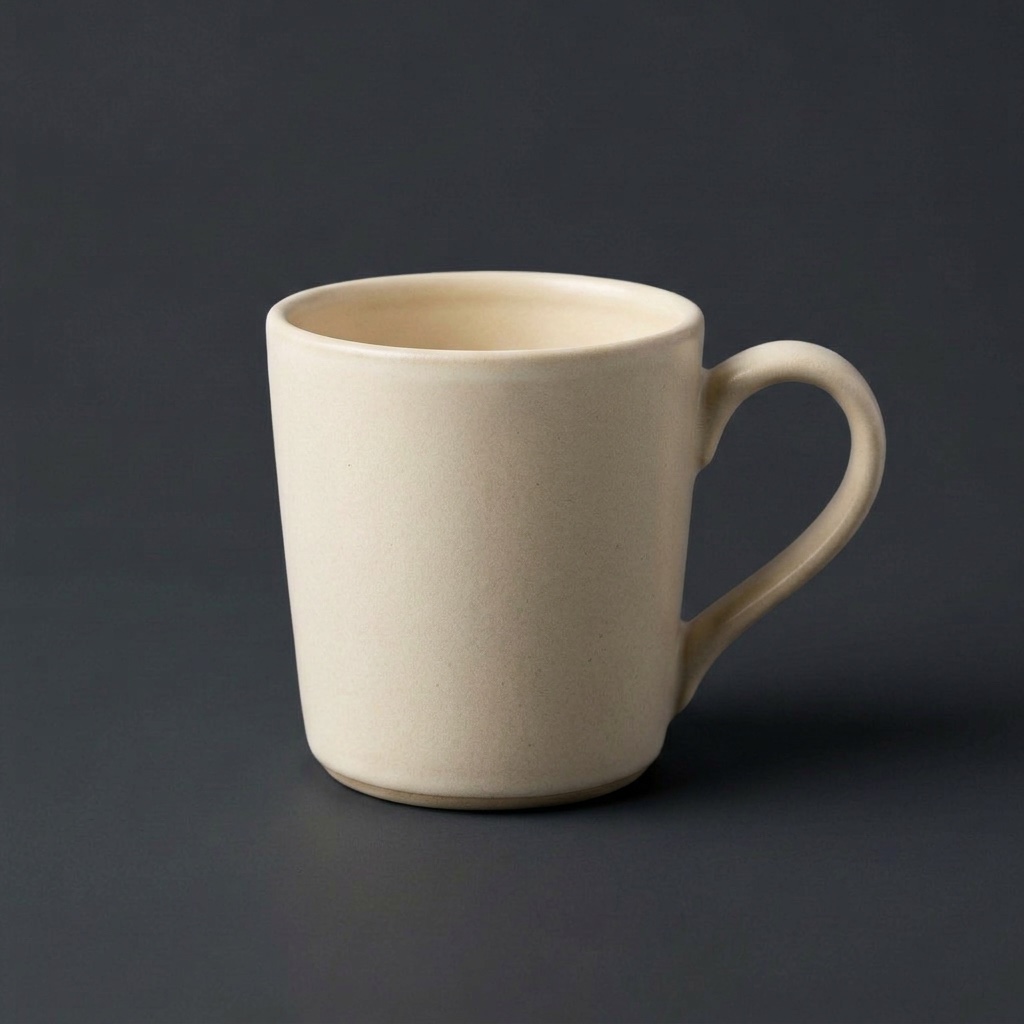
Scene 02
Mug with the background changed to charcoal
The background became dark charcoal grey. The mug was relit as well: the middle of its body is about 26% darker than in the original, so it no longer matches the starting picture, although the prompt said to keep the mug exactly as it was.
Prompt
Change the white background to dark charcoal grey. Keep the mug and its shadow exactly as they are.
- Model
- Nano Banana 2
- Settings
- 1:1 · 1K · 1024×1024
- Generated
- 2026-10-06
- Took
- 16 s
- Provider cost
- $0.08
- Here
- 20 credits
- Request
- 01a10e98-1f7d-7120-9407-946d45b5aaae
03
What happened to the mug
We measured the middle of the mug’s body, away from its edges, before and after. Its average brightness fell about 3% with the blue background and about 26% with the charcoal one. The average color went from (213, 201, 179) to (204, 195, 175) with blue, and to (161, 149, 130) with charcoal.
The model relit the mug to suit its new surroundings, although the prompt told it to keep the mug exactly as it was. In both runs the shadow was redrawn to fit the new background.
If the object must keep its brightness, compare the result with your original. We have not tested which wording of the prompt prevents the relighting.
04
How to change a background color here
Upload one picture
JPG, PNG or WebP, up to 10 MB, of a product or object you have the right to use. Our two runs used a product on a plain white background.
Name the new background color and what stays
Say the color in plain words, such as “soft pastel blue”, and name the object, its shadow and its light as the parts to keep.
Compare the object with your original
Check the object, not only the background. A dark backdrop made our mug darker.
05
Questions about changing a background
Can it make the background transparent?
No. This site returns a flat picture in the shape you uploaded, not a transparent PNG. Transparent backgrounds are not offered.
Can I change the background color and keep the product the same?
You can ask, but the product can be relit along with the background. In our two runs the mug’s brightness fell about 3% with pastel blue and about 26% with charcoal, although both prompts said to keep it unchanged. Both edits also redrew its shadow. These examples do not establish that other product photos will stay unchanged.
Can I give the color as a hex code?
We have not tested hex codes. Both runs used plain color words: “soft pastel blue” and “dark charcoal grey”.
What does a background change cost?
20 credits for one 1K edit, which is $0.20 with the smallest pack. A failed request is refunded automatically.