
Prompt guide
Change color of image prompts
Nine recolor prompts we ran on October 5 and 6, 2026, each shown with its result and what it did to the rest of the picture.
JPG, PNG or WebP, up to 10 MB
Checking that generation is available.
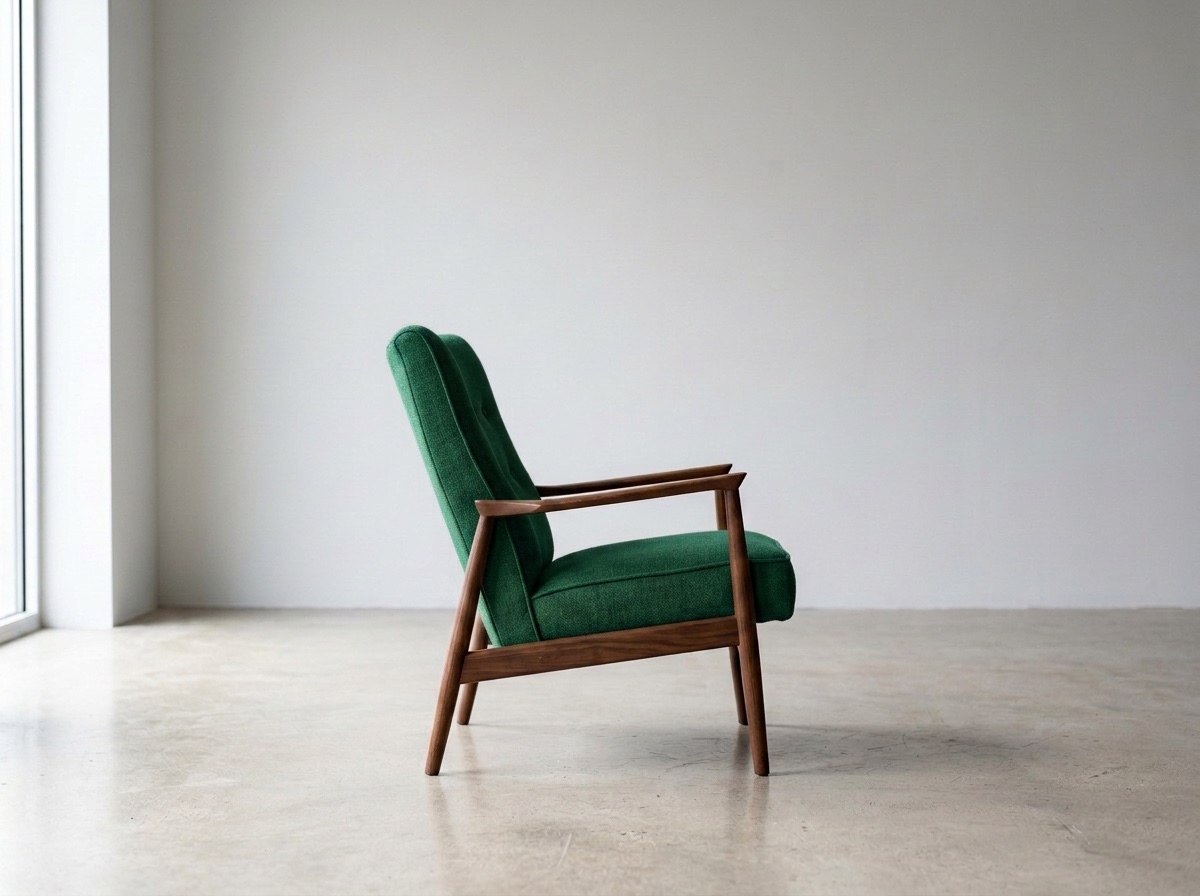
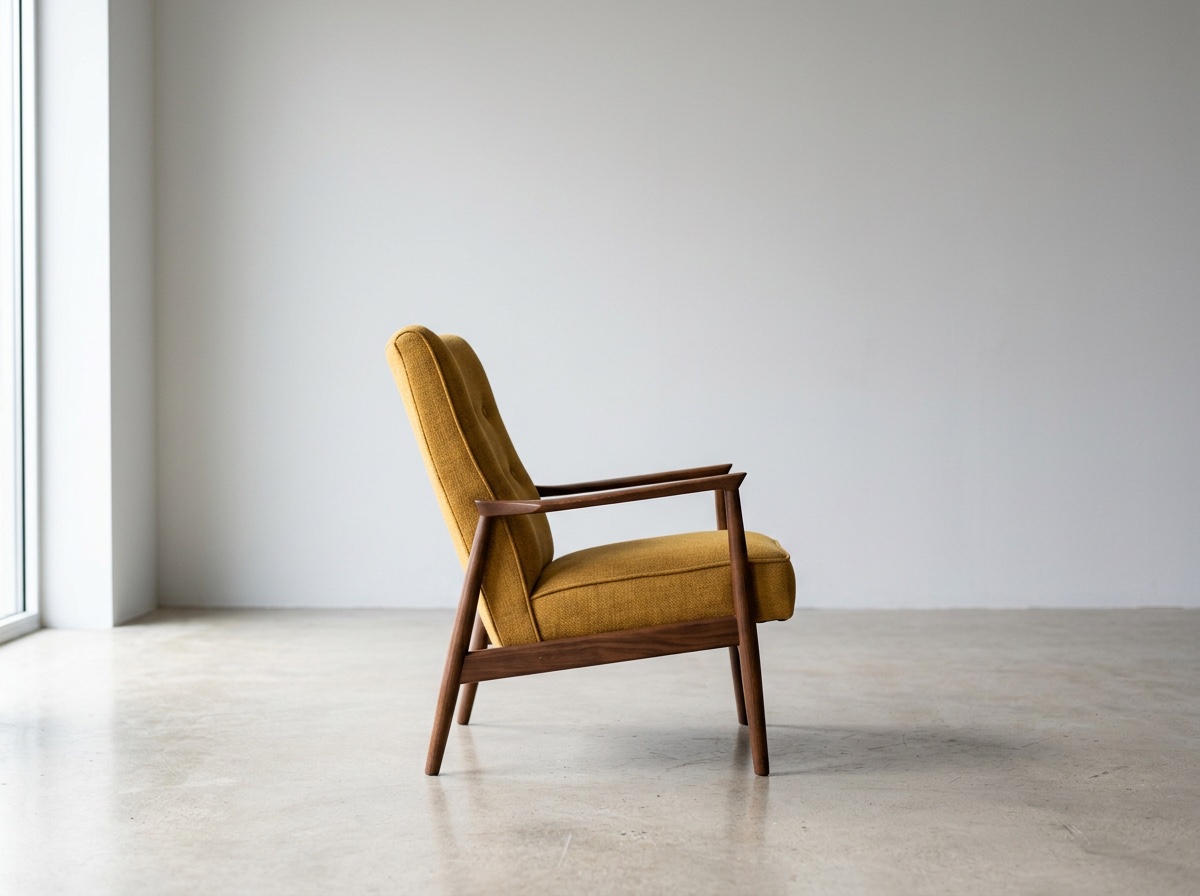
Armchair recolored to emerald green4:3 · 1K2026-10-05
01
What makes a good change-color prompt?
A recolor prompt names the target, the new color and what must stay. All nine prompts we ran used that structure. It still left visible changes: a shopfront turned teal, a dark background darkened the mug, and tote edits added white stitching. The background edits redrew the shadow. The preservation sentence is an instruction, not a guarantee; compare the whole result with the original.
02
Change-color prompts we ran
Each prompt below was run once on a picture made earlier that day. The result shows beside it. Change the object and colors to your own; we have not tested other pictures.
An object
Armchair fabric
Change the armchair’s fabric from mustard yellow to deep emerald green. Keep its shape, the folds, the shadows, the wall and the light exactly as they are.
Car paint
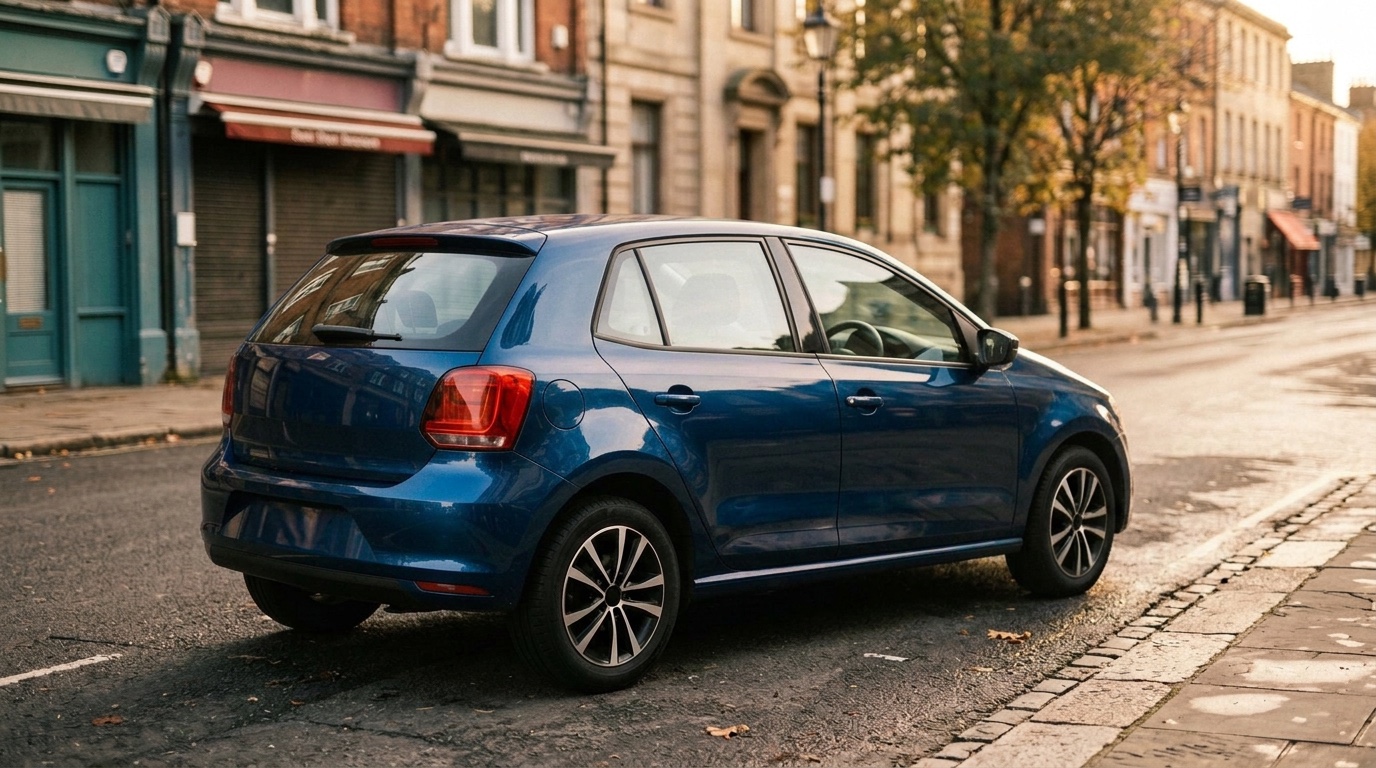
Change the car’s paint from red to deep metallic blue. Keep the reflections, the street, the sky and everything else exactly as they are.
One of three flowers
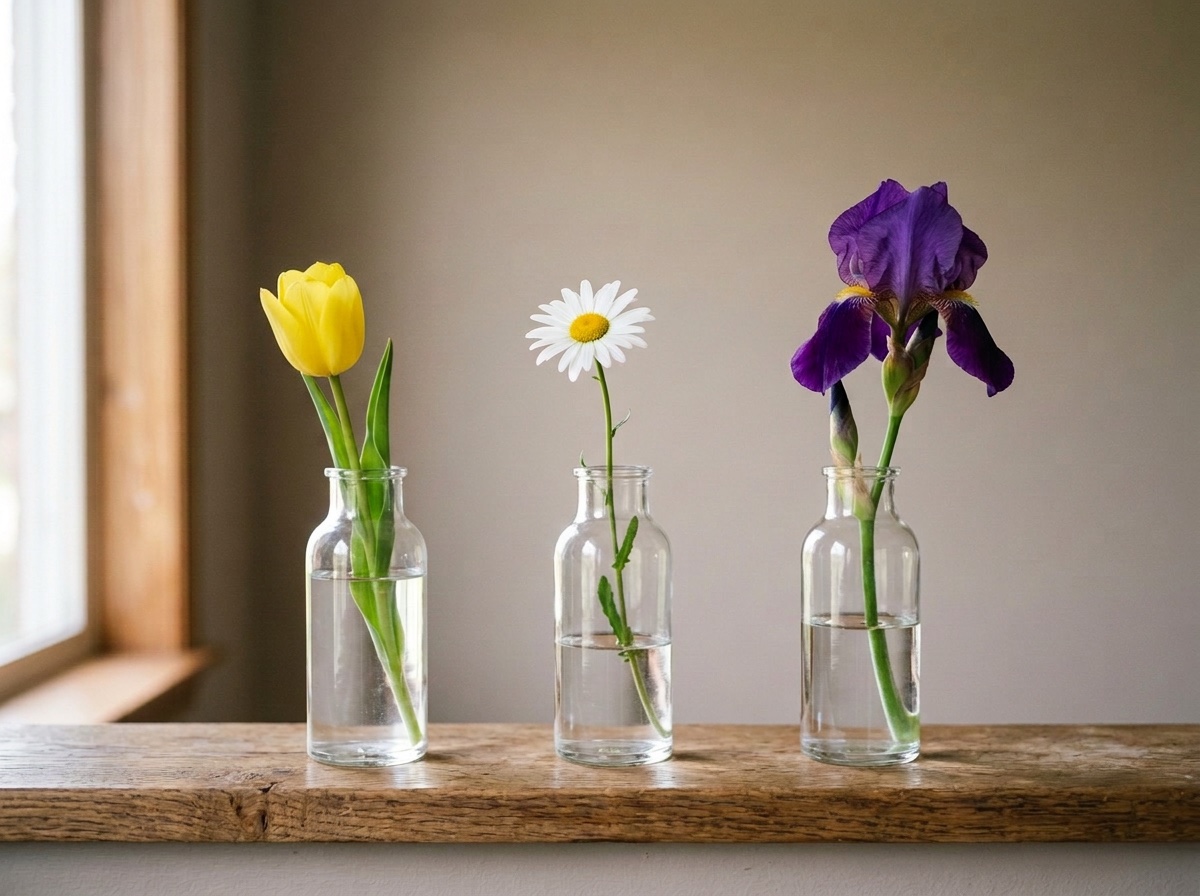
Change only the red tulip to a yellow tulip. Keep the white daisy, the purple iris, the three vases, the shelf and the wall exactly as they are.
A product colorway
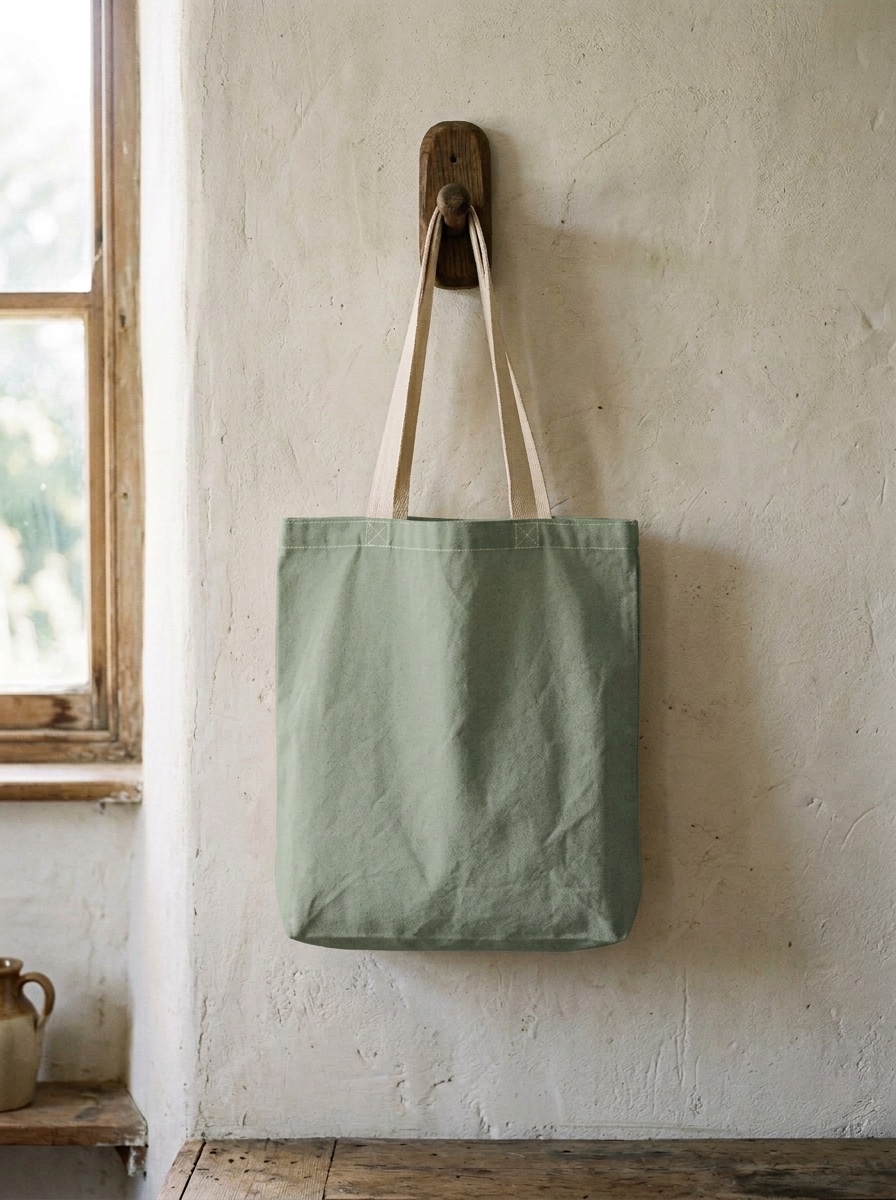
Tote bag, sage green
Change the tote bag from natural cream to sage green. Keep the straps, the stitching, the folds, the peg and the wall exactly as they are.
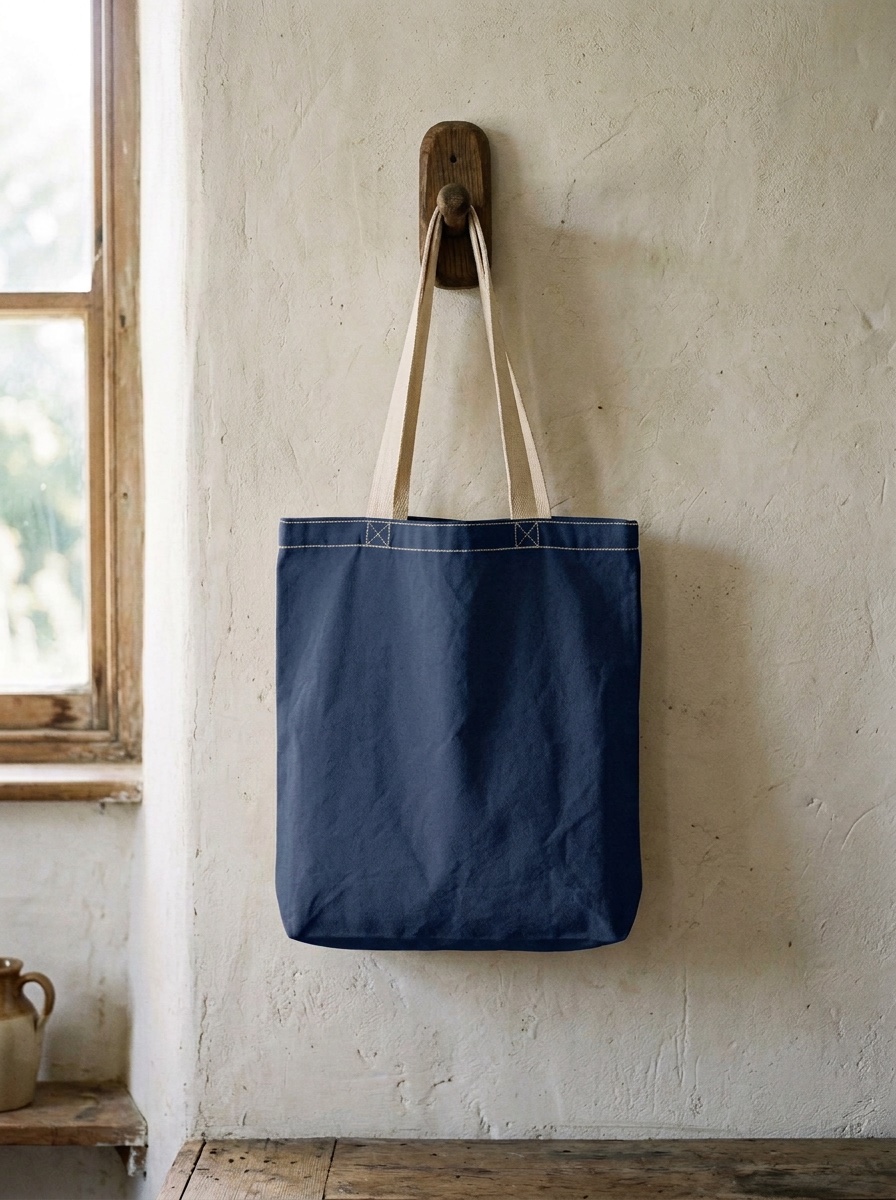
Tote bag, navy blue
Change the tote bag from natural cream to navy blue. Keep the straps, the stitching, the folds, the peg and the wall exactly as they are.
A background
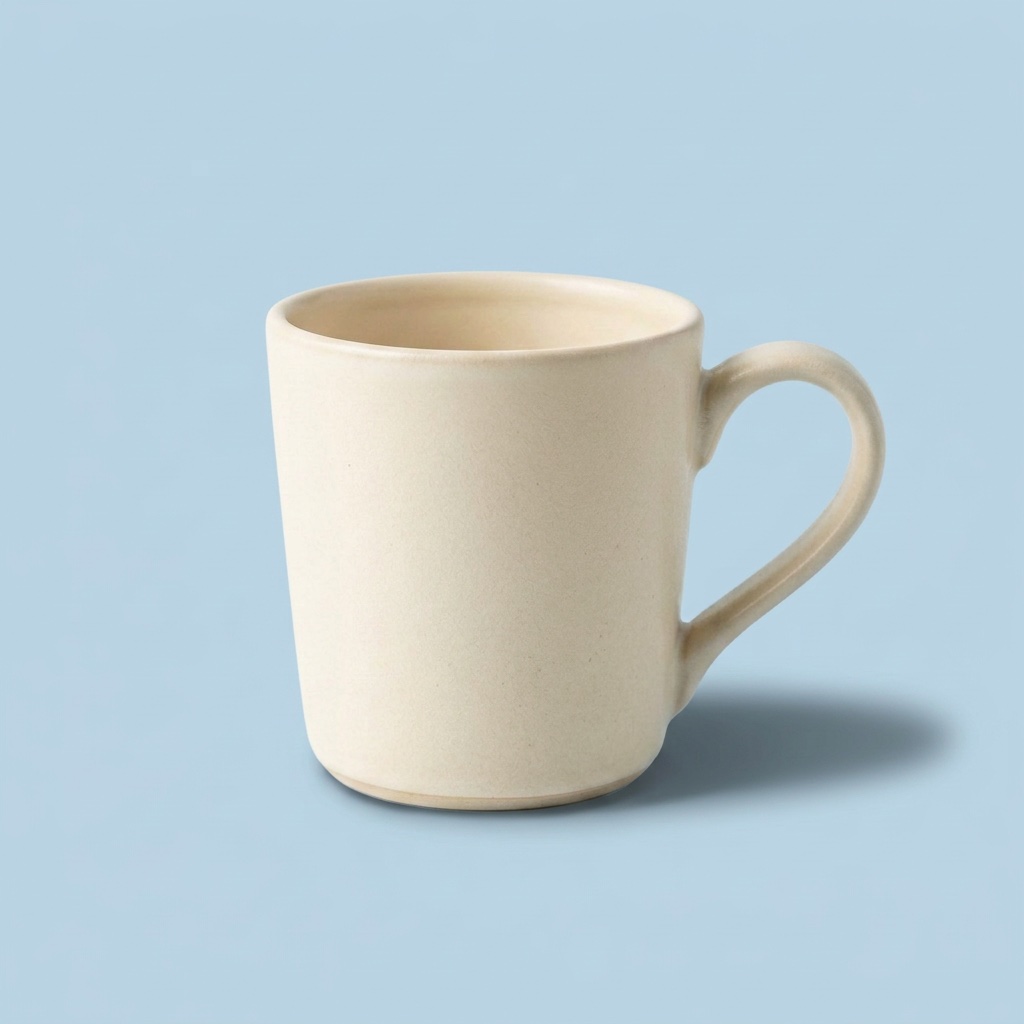
Pastel blue background
Change the white background to a soft pastel blue. Keep the mug, its shadow and the light on it exactly as they are.
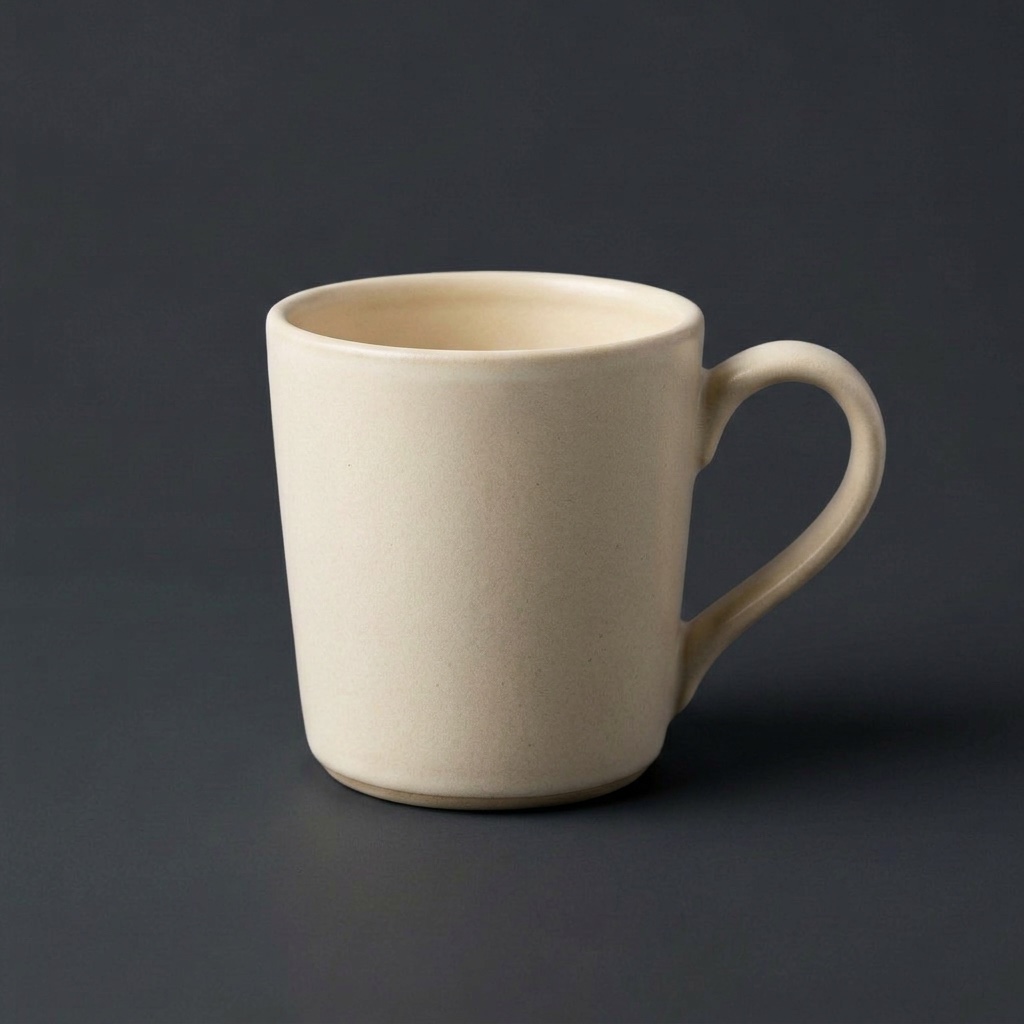
Charcoal background
Change the white background to dark charcoal grey. Keep the mug and its shadow exactly as they are.
Text in a picture
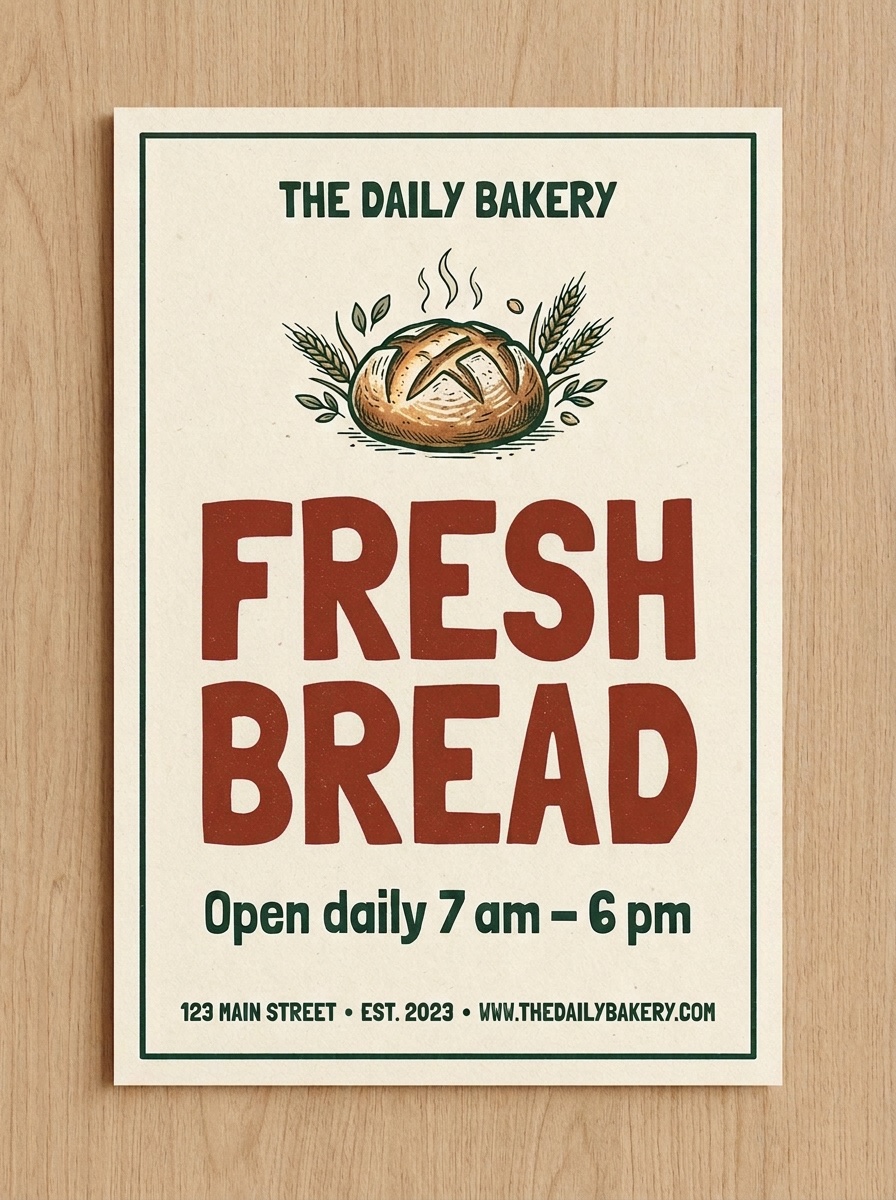
Poster headline
Change only the colour of the large headline from dark green to red. Keep the words, the letter shapes, the loaf illustration, the small line and the background exactly as they are.
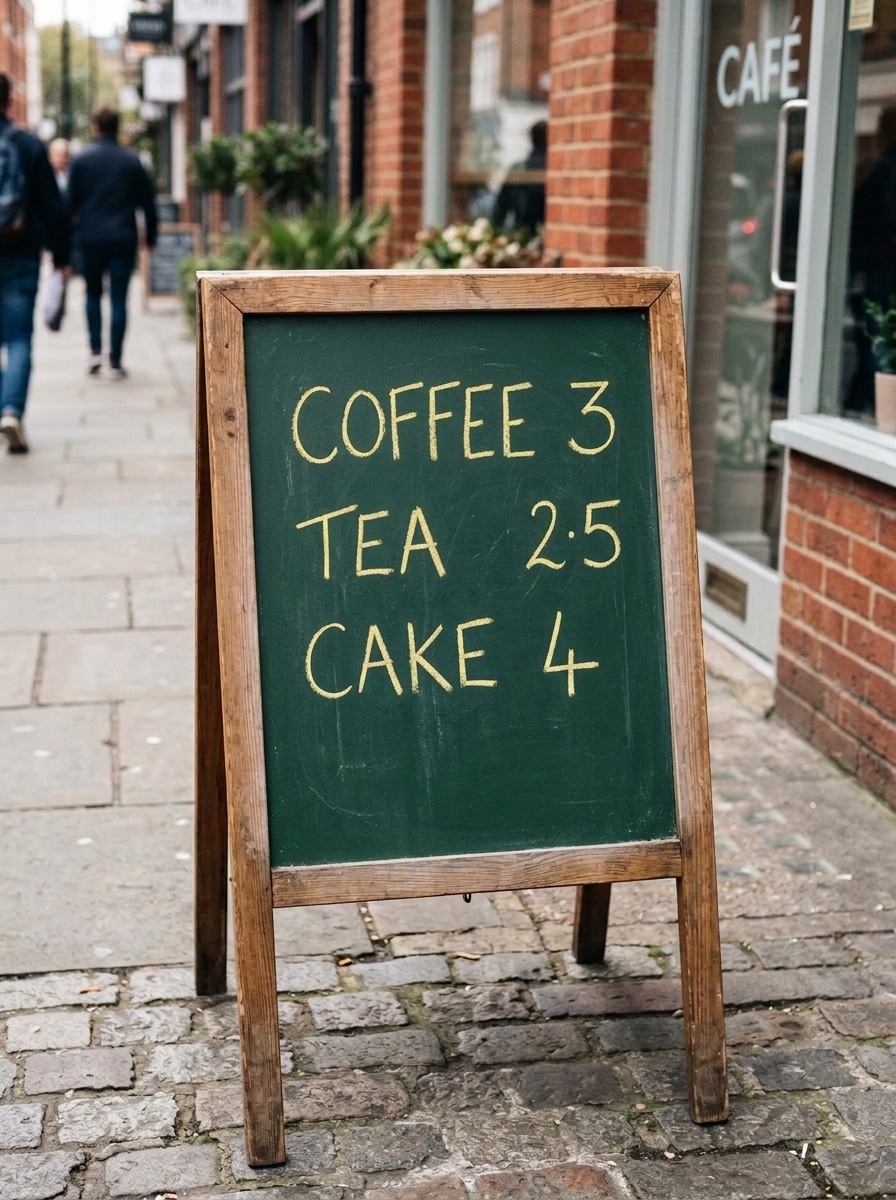
Chalk text
Change only the color of the chalk text from white to yellow. Keep the words, the letter shapes, the board and the easel exactly as they are.
03
What we saw across the nine
- The named target changed color in all nine, and each result came back in the shape of its starting picture.
- Listing the parts to keep did not stop the car edit from changing a shopfront door, or the charcoal edit from darkening the mug.
- Naming one object among several (one flower of three) worked in our single run.
- “Red” came back as a dark brick red on the poster. Name the shade you want, such as “bright red”, and check it.
- Both tote edits drew stitching that the starting picture did not show.
Nine runs is a small sample. Treat these as starting points, not guarantees.
04
Questions about change-color prompts
Can I change one object’s color without a brush or mask?
Here you identify the object in words, with its position or nearby objects if needed. There is no brush or mask. The model redraws the whole picture, so the background and other details can also change. See our object recolor examples.
Does “keep everything else exactly as it is” guarantee nothing else changes?
No. All nine edit prompts included an instruction to preserve other parts. The car edit still changed a shopfront door, the charcoal background darkened the mug, and both tote edits added stitching. We did not run a comparison without the instruction, so we cannot say whether it reduces unwanted changes.
Can a prompt match an exact hex color?
We have not tested hex codes or matched results to physical color samples. Our prompts used color words; “red” became a dark brick red on the poster. These examples do not establish exact color matching.
Can I reuse these prompts on a different photo?
You can copy a prompt and replace the object, color and parts to keep. We ran each published prompt once on its shown starting image, and have not tested it on other pictures. Treat it as a starting point and compare the whole result with your original.